
Key takeaways
- YouTube video packaging combines the thumbnail and title to create a unified promise that viewers can quickly understand and want to click.
- Thumbnails visually signal emotion, context, and subject; titles clarify intent, keywords, and value — they must work together, not compete.
- Clickbait breaks trust by overpromising; true optimization delivers on the promise to satisfy viewers and earn long-term retention.
- ThumbSignal’s 12-factor analyzer evaluates both elements together, revealing weaknesses in readability, promise clarity, curiosity and the fit between the two.
- Illustrative examples show how small tweaks in framing, text and wording can make a package clearer without misleading viewers.
What is YouTube video packaging and why does it matter?
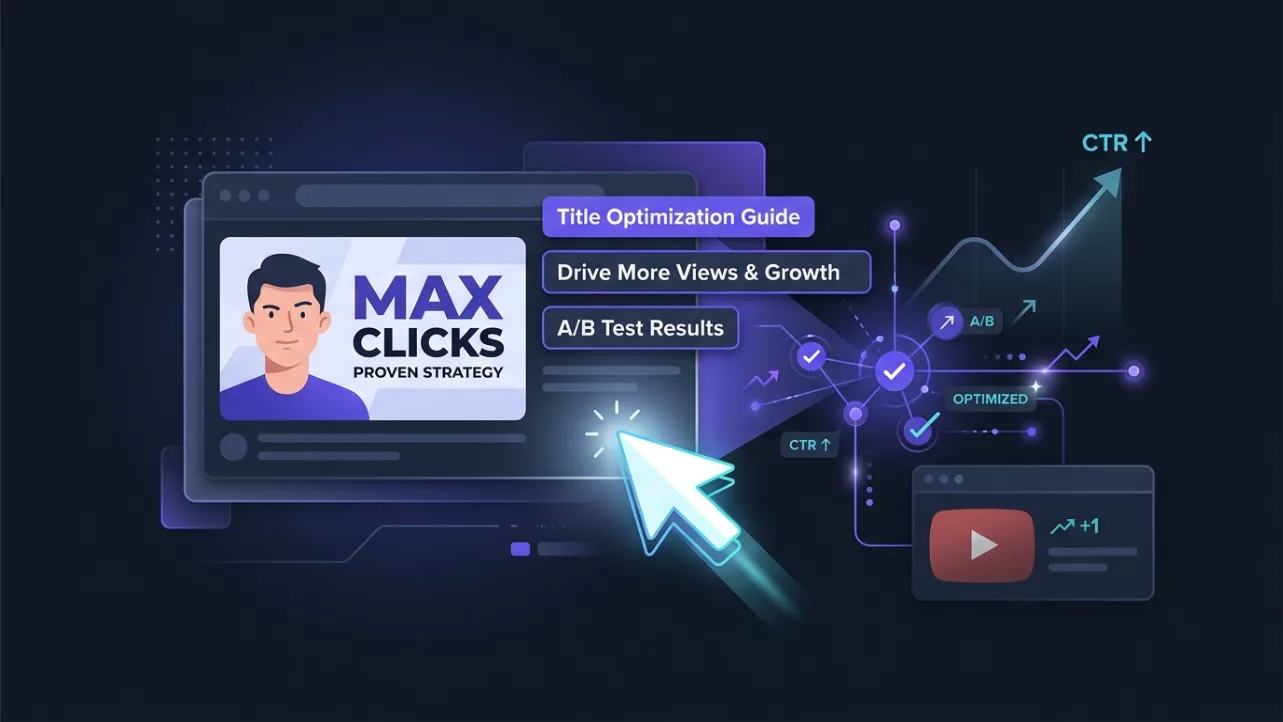
YouTube video packaging refers to the combined visual and textual presentation of a video in search results, recommendations, and feeds — specifically, the thumbnail and title working as a single unit. It’s the first impression viewers get, and it determines whether they click. Unlike static content, YouTube packaging must communicate instantly in a crowded, fast-scrolling environment. Poor packaging, even for great content, gets ignored. Strong packaging turns passive scrollers into active viewers — not by tricking them, but by clearly signaling relevance and value.
Think of it like a movie poster and tagline: the poster grabs attention with imagery, the tagline clarifies what the movie is about. Together, they create a promise. If the movie doesn’t deliver, viewers feel cheated — and they won’t return. The same applies to YouTube. Packaging isn’t just about clicks; it’s about setting accurate expectations that lead to satisfaction.
How do YouTube thumbnails and titles play different roles in the package?
Thumbnails and titles serve complementary but distinct functions: thumbnails are visual hooks that trigger emotion and recognition; titles are textual anchors that provide context, keywords, and clarity. A thumbnail without a clear title can confuse viewers; a title without a compelling thumbnail may never get read. The thumbnail must work at small sizes — on mobile feeds, in suggested videos, or in search results — where text is often illegible. The title must support SEO and answer the viewer’s “What’s in it for me?” question.
For example, a thumbnail showing a tired face with bold red text “100 HOURS” means little on its own; with a title like “I Worked 100 Hours in One Week — Here’s What Happened,” it becomes a specific promise. The title grounds the thumbnail’s emotion in a specific, searchable promise. When both elements align, they create a cohesive message that resonates with the target audience and reduces bounce rate.
How do promise, click, clickbait, and satisfaction connect in YouTube packaging?
Packaging works when it makes a clear, honest promise that viewers want to click — and then delivers on that promise to satisfy them. Clickbait breaks this cycle by overpromising or misleading, which may drive short-term clicks but damages long-term trust and retention. Satisfied viewers watch longer, subscribe, and return — and YouTube says its recommendations weigh that kind of satisfaction. Unsatisfied viewers click away quickly, which costs you watch time.
The goal isn’t to trick viewers into clicking; it’s to attract the right viewers who will engage meaningfully. A thumbnail showing a cooking pot with flames and a title “This Recipe Broke My Kitchen” creates curiosity and sets expectations — if the video actually shows a funny kitchen disaster with useful tips, viewers feel rewarded. If it’s just random explosions with no payoff, they feel cheated. Authenticity builds loyalty; deception erodes it.
What are the 12 factors that make YouTube packaging effective?
ThumbSignal’s 12-factor analyzer evaluates thumbnails and titles together on twelve factors: thumbnail readability, title strength, curiosity, title–thumbnail coherence, emotion, promise clarity, clickbait risk, cliffhanger, withheld answer, FOMO, urgency and rarity. Clickbait risk counts against the score; the others count for it. These aren’t isolated metrics — they interact. A thumbnail with a striking image but unreadable text fails. A title with a clear promise but no hook won’t stand out.
For instance, thumbnail readability isn’t just about brightness — it covers contrast, clutter and whether the subject is clear at thumbnail size. Curiosity means hinting at something intriguing without giving away the answer — “The $20 Tool I Use Every Day” names something concrete and holds back only which tool it is. Promise clarity asks whether a viewer knows what they will get before they click — no bait-and-switch.
These factors are designed to be actionable, not abstract. Each one can be improved with specific tweaks — making text readable at feed size, stating the promise more precisely, or reframing the subject. The analyzer scores each factor from 0 to 100, highlighting where your package is strong and where it needs work.
How do before-and-after changes work in practice?
Here is an illustration rather than a scored case. Take a gaming channel’s video titled “I Played This Game for 10 Hours — Here’s What Happened.” The thumbnail shows a blurry in-game scene with small, white text: readability and promise clarity are its obvious weak points. An “After” version uses a close-up of the player’s face with a surprised expression, bold yellow text “10 HOURS? I QUIT,” and a dark background, and the title becomes “I Played This Game for 10 Hours — Here’s Why I Quit.”
Why the improvement? The new thumbnail uses high contrast (yellow on dark), clear subject (player’s face), and legible text. The title adds specificity (“Why I Quit”) and emotional hook. The lesson: focus on one strong emotion (surprise, frustration, curiosity) and make it visible at thumbnail size. Don’t try to show everything — show the most compelling moment.
Another illustration: a cooking channel’s video titled “Easy Dinner Recipe” with a thumbnail of a generic plate of food. An “After” version shows a sizzling pan with bold red text “5-MINUTE DINNER” and the title “This 5-Minute Dinner Recipe Saved My Week.” The lesson: specificity (“5-minute”) and a concrete benefit (“saved my week”) create relevance. Visuals should match the title’s promise — sizzling food implies speed and flavor.
How do the four pillars of YouTube packaging connect to the analyzer?
The four pillars — clarity, curiosity, consistency, and credibility — form the foundation of effective packaging. Clarity ensures viewers instantly understand the video’s topic. Curiosity invites them to click by hinting at something intriguing. Consistency builds brand recognition across videos. Credibility assures viewers the content will deliver on its promise. Read the analyzer’s twelve factors against these pillars and you know not just what to fix, but why it matters.
For example, thumbnail readability and promise clarity support clarity; curiosity and the withheld answer support curiosity; title–thumbnail coherence supports consistency within a video; clickbait risk, counted against the score, guards credibility. Consistency across videos is not something the analyzer scores, so judge that one yourself. When you improve one factor, you often strengthen several pillars. A thumbnail with a clear subject and bold text improves clarity and credibility. A title with a curiosity gap improves curiosity and relevance.
To see how your own thumbnails and titles stack up, try ThumbSignal’s free analyzer tool. It scores your package on its 12 factors and lists recommendations ordered by how much each could raise the score, with up to five alternative titles.
What do creators most often ask about YouTube packaging?
Creators often ask: “How do I make my thumbnails more clickable?” “What makes a good YouTube title?” “Is it better to use text or images in thumbnails?” “How do I avoid clickbait?” “Can I optimize packaging for mobile?” These questions reflect real pain points — viewers scroll fast, so packaging must work instantly. The answer to all of them is the same: align your thumbnail and title to create a clear, honest, compelling promise that matches your content.
For “How do I make thumbnails more clickable?” — focus on high contrast, a single strong subject, and legible text. For “What makes a good title?” — include keywords, a benefit, and a hook. For “Text or images?” — use both, but prioritize the image for emotion and the text for clarity. For “Avoid clickbait?” — never promise what you can’t deliver. For “Mobile optimization?” — test your thumbnail at small sizes; if text is unreadable or the subject is unclear, redesign it.
Correction, 17 October 2026. An earlier version used “YOU WON’T BELIEVE THIS” and “The Secret Tool I Use Every Day” as workable examples, headed a section with internal jargon, and said a video with quick exits “won’t rank”. These have been corrected against YouTube’s own statements and real click data.
Sources
- Goodrow, C. (2021). On YouTube’s recommendation system. YouTube Official Blog. blog.youtube
- Matias, J. N., Munger, K., Aubin Le Quéré, M. and Ebersole, C. (2021). The Upworthy Research Archive, a time series of 32,487 experiments in U.S. media. Scientific Data, 8, 195. doi:10.1038/s41597-021-00934-7
- Aubin Le Quéré, M. and Matias, J. N. (2025). When curiosity gaps backfire: effects of headline concreteness on information selection decisions. Scientific Reports, 15, 994. doi:10.1038/s41598-024-81575-9
- ThumbSignal. We tested our title rules against real clicks.
Related reading
- YouTube Thumbnail A/B Testing Alternative: Pre-Test Diagnostic Tool
- TestMyThumbnails vs ThumbSignal: Which Thumbnail Analyzer Fits You?
Frequently Asked Questions
What’s the difference between a thumbnail and a title in YouTube packaging?
The thumbnail is the visual hook that grabs attention and signals emotion or context; the title is the textual anchor that clarifies intent, keywords, and value. They must work together — the thumbnail draws the eye, the title answers the “What’s in it for me?” question. Neither can stand alone effectively.
Can I use the same thumbnail for every video in a series?
You can, but only if it supports consistency without sacrificing clarity or curiosity. A series thumbnail should include branding elements (like a logo or color scheme) but also unique details for each video (like a specific number, date, or subject). Otherwise, viewers won’t know which video they’re clicking.
How do I know if my packaging is too clickbaity?
If your thumbnail or title promises something your video doesn’t deliver — like “SHOCKING TRUTH” with no real revelation, or “YOU’LL CRY” with no emotional payoff — it’s clickbait. Test it: if you’d feel misled watching your own video, viewers will too. Focus on honest, specific promises that match your content.
Does YouTube’s algorithm favor certain types of thumbnails or titles?
YouTube doesn’t favor specific styles — it favors packaging that leads to viewer satisfaction. High CTR alone isn’t enough: YouTube says it weighs watch time and viewer satisfaction along with clicks. It favors packaging that attracts the right viewers and keeps them engaged. That means clarity, relevance, and authenticity matter more than trends.
How often should I update my video’s thumbnail and title?
Update them when performance plateaus or when you have new data — like a higher CTR from a different thumbnail. Don’t change them randomly; test one element at a time (e.g., just the thumbnail, then just the title) to see what drives improvement. Some creators update packaging every few months to refresh interest.