
A thumbnail that gets passed over usually fails in one of a few predictable ways. The text is too small to read, the colours blur into each other, nothing tells the eye where to look, or there is simply too much going on. Each of these has a straightforward fix, and each can be checked in a couple of minutes. This guide covers the five problems we see most, what the fix is for each, and how to confirm that a change helped instead of guessing.
Key takeaways
- Five problems account for most weak thumbnails: unreadable text, weak contrast, no focal point, distracting extras and a messy layout.
- Fix one problem at a time and check again. Changing everything at once hides which change worked.
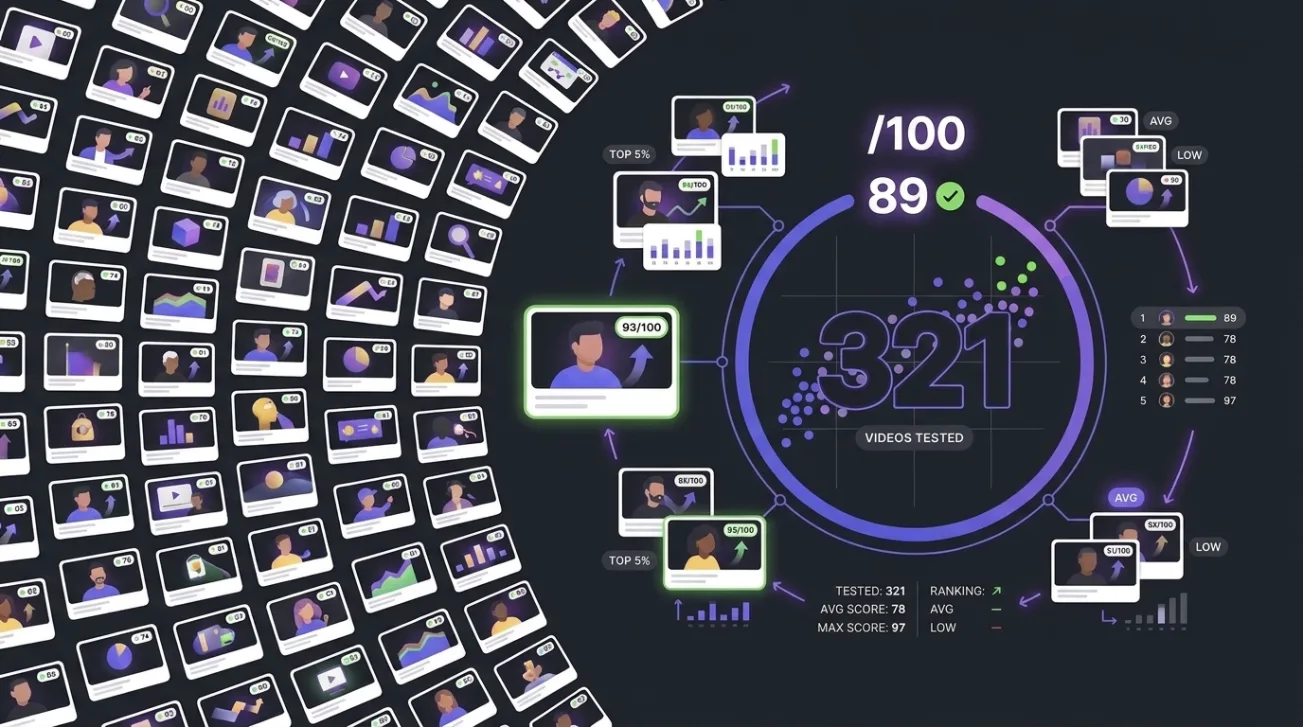
- A better score means the thumbnail clears more checks, not that it will earn more clicks. In our test of 321 same-channel pairs, the score ranked the better video first 59.5% of the time.
- We have not run a before-and-after experiment on a set of redesigned thumbnails, so this guide makes no promise about how much a fix will raise a score or a click rate.
- The reliable way to know whether a redesign worked is to test it against the original with your own audience.
What are the most common problems with a weak YouTube thumbnail?
The same five come up again and again, and they overlap: a thumbnail with a messy layout often also lacks a focal point. Treat the list as a diagnostic order, starting with whatever you notice first when you look at the thumbnail at small size.
How the five problems compare
| Problem | What you notice | Fix to try first |
|---|---|---|
| Unreadable text | You cannot read the words at feed size | Fewer words, larger type, a clear area behind them |
| Weak contrast | The subject blends into the background | Separate light from dark, add an outline or a shadow |
| No focal point | Your eye wanders with nowhere to land | Choose one subject and make the rest support it |
| Distracting extras | Logos, icons and effects compete with the subject | Remove anything the title does not need |
| Messy layout | Elements feel placed at random | Align to a simple structure and give it room |
How do you fix unreadable text on a thumbnail?
Start by cutting words. Text that must be read to understand the thumbnail should be short, because a thumbnail is seen for a moment in a feed, not studied. Keep only words that add something the title does not already say; repeating the title wastes the space and the viewer's attention.
Then make what remains legible. Increase the size, choose a typeface with heavy strokes, and place the words over a calm area of the image. If the background is busy, an outline, a solid band or a semi-transparent shape behind the text restores legibility without changing the picture. Judge the result at the size it will appear in a phone feed, not at full size on your monitor.
How do you improve weak contrast?
Contrast is the difference in brightness between the subject and what is behind it. It is easy to confuse with colour, and the mistake is common: two vivid colours of similar brightness can look vibrant on a calibrated screen and flat on a phone in daylight.
The quick test is to look at the thumbnail in greyscale. If the subject disappears, the contrast is weak whatever the colours say. Fix it by making the subject lighter or the background darker, or the reverse, by adding a thin outline around the subject, or by using a soft shadow to lift it from the background.
A generic example
Picture a tutorial thumbnail with a presenter on the left, a screenshot of the software in the middle, three lines of text and a channel logo in each corner. The fix is not to polish all of it. Choose the presenter or the screenshot as the subject, drop the other to a supporting role, cut the text to a few words, and remove the logos. The thumbnail now says one thing, which is what a viewer scanning a feed can take in.
How do you give a thumbnail one clear focal point?
Decide what the thumbnail is about, and make everything else serve it. A face, an object or a short phrase can each work as the focal point, but the thumbnail should not have three of them fighting for attention. Scale and contrast do most of the work: the subject should be the largest and highest-contrast element, and supporting elements should be smaller and quieter.
The same logic applies to extras. Logos, repeated icons, arrows and effects each ask for a little attention, and together they take it from the subject. Remove anything the video's promise does not need. A cleaner layout also tends to be an easier one to balance: align elements to a simple structure, such as thirds or a single centred subject, and leave empty space around it.
How can you tell whether a change actually helped?
Use two kinds of evidence and keep them separate. The first is whether the thumbnail now clears more of the basic checks. The second is how your audience responds. A score answers the first and an A/B test answers the second.
- Pick the thumbnail you want to improve and note which of the five problems you see first.
- Score it with the free thumbnail and title analyzer and write down the lowest factor.
- Change one thing that addresses that factor and nothing else.
- Score the new version and compare it with the original.
- Test the two against each other with real viewers, using the method in our guide to A/B testing thumbnails.
Be careful with step four. In a pre-registered test of 321 same-channel video pairs, our score ranked the better-performing video higher 59.5% of the time, against 50% for a coin flip. That is a real signal and a modest one. A thumbnail that scores higher is more likely to be the stronger of two, not certain to be. The method and evidence page sets out the result, the controls and the limits. For worked examples, see the examples page.
Correction, 6 October 2026. An earlier version of this article presented data that had not been collected. It has been rewritten from the published results of our 321-pair test. The list of corrections is on the method and evidence page.
Sources
- ThumbSignal. Method and evidence: how the ThumbSignal score was tested, for the design, the result, the controls and the limits.
- ThumbSignal. Pre-registration, pair scores and verification script, public since 7 October 2026. github.com/MonteroDev/thumbsignal-score-study
- ThumbSignal. We tested our thumbnail score on 321 pairs of real videos.
Frequently asked questions
Can I really improve a weak thumbnail without changing the video?
Yes. All five problems concern presentation: text, contrast, focus, extras and layout. None requires a different topic or a different video. Whether the improvement shows up in clicks depends on your audience, which is why testing matters.
How much will my score go up if I fix these problems?
We cannot say. We have not measured the effect of redesigning a set of thumbnails, so any figure for the size of the gain would be invented. Score your own thumbnail before and after the change and compare the two.
Which problem should I fix first?
The one that makes the thumbnail hardest to take in at a glance. For most thumbnails that is unreadable text or a missing focal point. The score's lowest factor is a useful second opinion on where to start.
Do these fixes apply to every type of channel?
The principles of legibility, contrast and focus apply broadly, but audiences differ. A channel whose viewers know its style may get clicks from a thumbnail that breaks these rules. Treat them as a starting checklist and let your own results overrule them.
Does a higher score mean more views?
No. In our test the score ranked the better video higher 59.5% of the time, which is well above guessing and far from certain. Views also depend on the topic, the title, the timing and the audience.