Key takeaways
- TestMyThumbnails focuses on contextual preview and AI-based ranking to simulate viewer response before publishing.
- ThumbSignal delivers a 12-factor diagnostic that evaluates both thumbnail and title together for holistic optimization.
- TestMyThumbnails suits creators who want to preview how thumbnails perform in context; ThumbSignal fits those seeking granular, actionable feedback.
- Neither tool is universally superior — the best choice depends on your workflow, goals, and whether you prioritize preview realism or diagnostic depth.
What is TestMyThumbnails and who is it for?
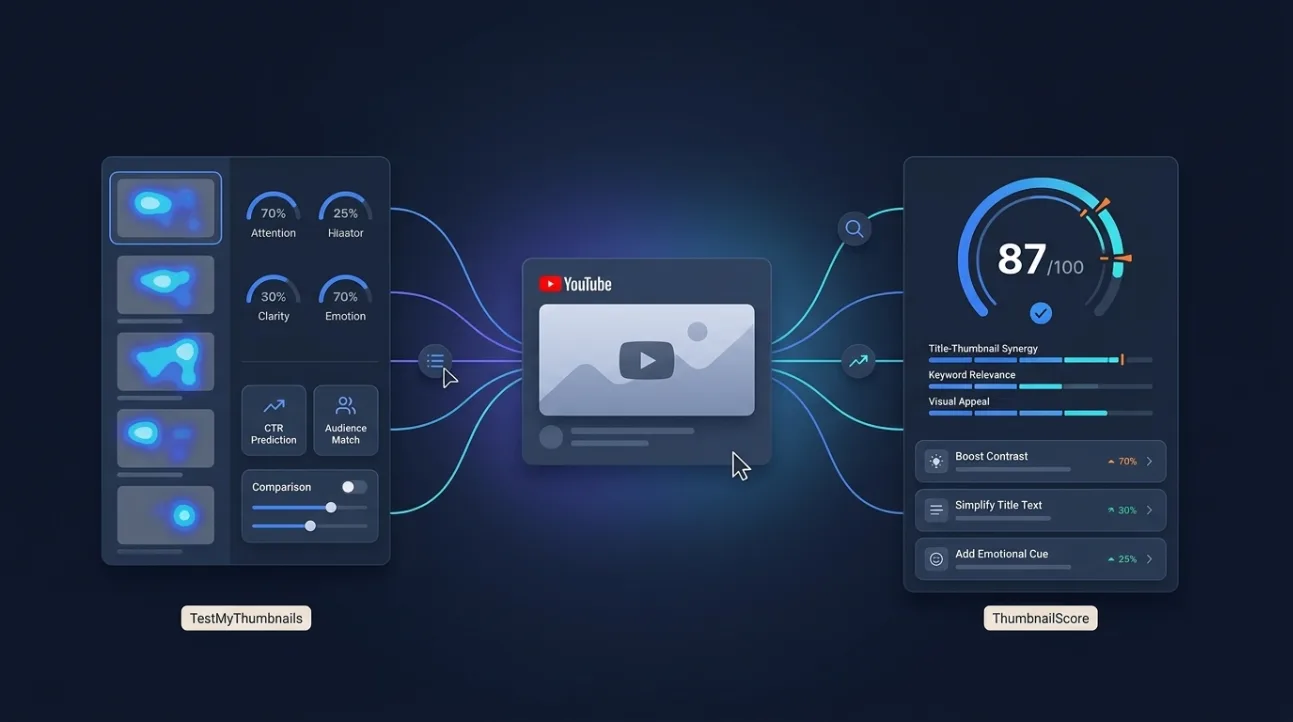
TestMyThumbnails is a thumbnail analysis tool designed to simulate how your thumbnail might perform in YouTube’s feed by combining contextual preview with AI-driven ranking. It’s aimed at creators who want to preview their thumbnail as it would appear next to other videos and get a relative ranking score based on engagement signals. The tool helps reduce guesswork by offering a realistic feed simulation and a predictive score, making it useful for creators who prioritize how thumbnails look in context rather than isolated technical factors.
Its strength lies in mimicking the viewer’s browsing experience — showing how your thumbnail competes visually against others in a simulated feed. This is especially valuable for channels that rely heavily on feed-driven discovery, such as gaming, vlogs, or trending topics. The AI ranking component attempts to predict which thumbnails are more likely to attract clicks based on historical patterns, though it does not break down why a thumbnail scores well or poorly.
What is ThumbSignal and who is it for?
ThumbSignal is a diagnostic tool that evaluates both your thumbnail and title using a 12-factor scoring system to identify specific strengths and weaknesses. It’s built for creators who want granular, actionable feedback on what elements of their thumbnail and title are working — or not — and why. Rather than simulating feed context, it rates twelve packaging factors, from thumbnail readability and title strength to promise clarity, coherence, emotion and clickbait risk.
This tool is ideal for creators who want to improve their thumbnails systematically, not just test them against others. It’s especially useful for educational, tutorial, or niche channels where clarity and precision matter more than viral appeal. The 12-factor breakdown helps you understand exactly which elements to adjust — whether it’s making text readable at feed size, sharpening the promise, or stopping the title from repeating the thumbnail — making it a powerful learning tool as well as an optimization tool.
TestMyThumbnails vs ThumbSignal: How do they differ in function?
The core difference between TestMyThumbnails and ThumbSignal lies in their approach: TestMyThumbnails focuses on contextual preview and AI ranking, while ThumbSignal provides a 12-factor diagnostic that evaluates both thumbnail and title together. TestMyThumbnails simulates how your thumbnail appears in YouTube’s feed and ranks it against others, giving you a relative score. ThumbSignal, on the other hand, breaks down your thumbnail and title into specific, measurable factors to help you understand what’s working and what needs improvement.
This means TestMyThumbnails is better for creators who want to test how their thumbnail competes visually in a feed, while ThumbSignal is better for those who want to understand the underlying reasons behind a thumbnail’s performance. Neither approach is inherently superior — they serve different purposes and cater to different creator needs.
How do their scopes compare: thumbnail alone vs thumbnail + title?
TestMyThumbnails primarily evaluates the thumbnail in isolation or in simulated feed context, without integrating title analysis. Its focus is on visual competition and AI-driven ranking, which means it doesn’t assess how the title and thumbnail work together to drive clicks. This can be a limitation for creators who know that the title-th thumbnail combination is often more important than either element alone.
ThumbSignal, by contrast, evaluates both the thumbnail and the title as a unified package. It considers how the title’s wording, length, and emotional tone interact with the thumbnail’s visual elements to influence viewer behavior. This holistic approach is particularly useful for creators who want to optimize their entire first impression — not just the image, but the combination of image and text that appears in search results and recommendations.
What are the pricing models for each tool?
TestMyThumbnails typically structures its pricing around the number of thumbnails you can test per month, with higher tiers offering more advanced AI ranking features; check its website for the current plans. ThumbSignal has no paid plan: the full analysis, with all twelve sub-scores, is free, with a daily limit on analyses that a free account raises.
Creators should evaluate which features matter most to them — the ability to preview thumbnails in context or the depth of diagnostic feedback. TestMyThumbnails’ pricing changes over time, so it’s best to check its website for the most up-to-date plans.
Which tool is a stronger fit for your channel?
The best tool for you depends on your goals and workflow. If you’re a creator who prioritizes how your thumbnail looks in YouTube’s feed and wants to test its competitive edge against others, TestMyThumbnails is likely the better fit. Its contextual preview and AI ranking can help you make quick, data-informed decisions before publishing.
If you’re a creator who wants to understand the specific elements that make a thumbnail and title effective — and improve them systematically — ThumbSignal is the stronger choice. Its 12-factor diagnostic gives you actionable insights that can be applied across multiple videos, helping you build a more consistent and effective visual strategy over time.
Many creators find value in using both tools at different stages: TestMyThumbnails for quick pre-publish checks and ThumbSignal for deeper, long-term optimization. You can even use ThumbSignal’s free thumbnail & title analysis tool to try the diagnostic approach yourself.
How to use both tools effectively in your workflow
Integrating both TestMyThumbnails and ThumbSignal into your workflow can give you a more complete picture of your thumbnail’s potential. Start with ThumbSignal to diagnose and improve your thumbnail and title using its 12-factor system. Once you’ve made adjustments, use TestMyThumbnails to preview how your optimized thumbnail performs in a simulated feed and get an AI ranking score.
Here’s a simple 5-step workflow to combine both tools:
- Design your thumbnail and title using best practices for contrast, clarity, and emotional appeal.
- Run your thumbnail and title through ThumbSignal to identify specific areas for improvement.
- Adjust your thumbnail and title based on the 12-factor feedback, starting with the recommendations listed first.
- Use TestMyThumbnails to preview your revised thumbnail in a simulated feed and get an AI ranking score.
- Publish your video if the preview and ranking meet your expectations, or iterate further if needed.
This approach lets you benefit from both diagnostic depth and contextual realism, giving you a more robust optimization process. Remember, no tool can guarantee results — but combining them can help you make more informed decisions and reduce the risk of underperforming thumbnails.
Related reading
- Best Free YouTube Thumbnail Testers: What’s Actually Free
- ThumbnailTest Alternative: Get Feedback Before Publishing
Frequently Asked Questions
Is TestMyThumbnails better than ThumbSignal?
Neither tool is objectively better — they serve different purposes. TestMyThumbnails is ideal for previewing how your thumbnail performs in context, while ThumbSignal excels at diagnosing specific strengths and weaknesses in your thumbnail and title. The best choice depends on your goals and workflow.
Can I use both TestMyThumbnails and ThumbSignal together?
Yes, many creators use both tools in tandem. Use ThumbSignal to diagnose and improve your thumbnail and title, then use TestMyThumbnails to preview how the optimized version performs in a simulated feed. This combination gives you both diagnostic depth and contextual realism.
Does ThumbSignal analyze titles as well as thumbnails?
Yes, ThumbSignal evaluates both your thumbnail and title together using a 12-factor diagnostic system. It considers how the title’s wording, length, and emotional tone interact with the thumbnail’s visual elements to influence viewer behavior.
Does TestMyThumbnails offer any diagnostic feedback on why a thumbnail scores well or poorly?
No, TestMyThumbnails focuses on contextual preview and AI ranking rather than diagnostic feedback. It doesn’t break down why a thumbnail scores well or poorly — it simply provides a relative ranking based on simulated viewer response.
Are there free versions of either tool?
ThumbSignal is free to use, with no paid plan and a daily limit on analyses: its free thumbnail & title analysis tool gives the full 12-factor diagnostic. For TestMyThumbnails, check its website for the current plans and any free option.
Which tool is better for beginners?
Beginners may find ThumbSignal more helpful because its 12-factor diagnostic provides clear, actionable feedback on what to improve. TestMyThumbnails is more useful for creators who already understand thumbnail best practices and want to test how their thumbnails perform in context.