Key takeaways
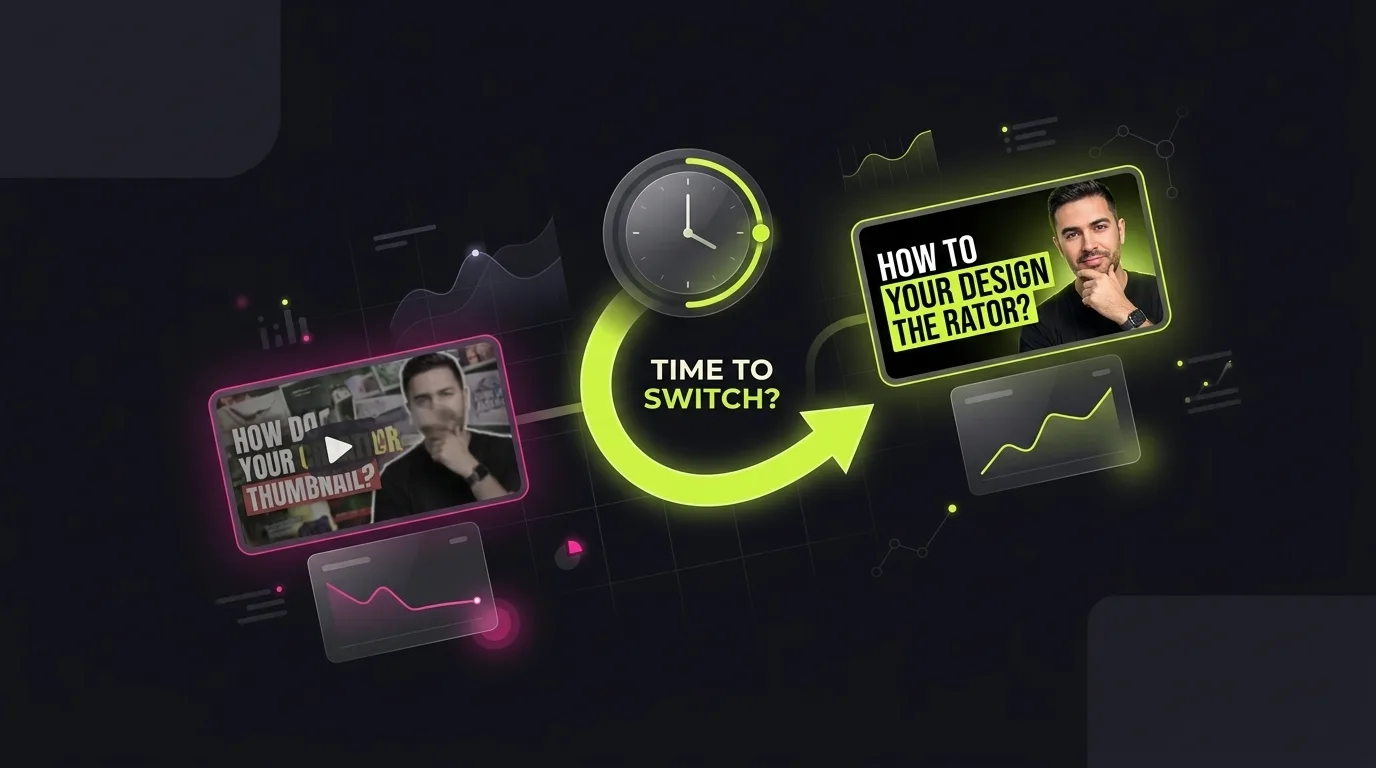
- Changing a thumbnail after publishing can revive old videos if impressions are high but CTR is low or the packaging misrepresents the content.
- Always compare traffic sources and time periods before and after a change to judge impact fairly — don’t assume a spike is from the thumbnail alone.
- Repackaging must still accurately reflect the video’s content; misleading thumbnails risk viewer distrust and algorithmic penalties.
- Use a simple checklist to evaluate your new thumbnail and title before publishing, and score it with ThumbSignal’s Analyzer for objective feedback.
When should you change your YouTube thumbnail after upload?
Change your YouTube thumbnail after upload when you see high impressions but low click-through rate, or when the current packaging no longer matches the video’s actual content or audience intent. This isn’t about chasing trends — it’s about fixing misalignment between what viewers expect and what they get.
YouTube’s algorithm doesn’t penalize you for updating thumbnails or titles after publishing. In fact, it encourages it — if the change improves viewer satisfaction. The platform tracks whether people click, watch, and engage after seeing your thumbnail. If your current version isn’t performing, updating it can give the video a second chance without re-editing the content.
But not every video needs a refresh. If your CTR is already above 5% and your audience is consistent, changing the thumbnail may not move the needle. Focus on videos that have plateaued or underperformed despite decent impressions. Those are your best candidates for repackaging.
How to repackage an old YouTube video without misleading viewers
Repackaging an old YouTube video means updating its thumbnail and/or title to better reflect its content or current audience interests — while staying honest. You’re not rewriting the video’s purpose; you’re clarifying it for new viewers who might not have seen it the first time.
Start by reviewing the video’s core message. Does the current title promise something the video doesn’t deliver? Is the thumbnail using outdated imagery or text that no longer resonates? If yes, update it — but keep the new version truthful. For example, if your video is a tutorial on “How to Use Excel Formulas,” don’t change the thumbnail to show a flashy “Excel Hacks You Didn’t Know!” unless the content actually delivers those hacks.
Misleading thumbnails may get clicks, but they hurt retention and satisfaction — two signals YouTube uses to decide whether to recommend your video again. A viewer who clicks expecting one thing and gets another is likely to leave quickly, which tells the algorithm the video isn’t valuable. Honest repackaging builds trust and long-term performance.
What signals tell you it’s time to update your YouTube title or thumbnail?
The clearest signal to update your YouTube title or thumbnail is a high number of impressions paired with a low click-through rate — typically below 3% for most niches. This means people are seeing your video in search or recommendations, but they’re not clicking. The packaging isn’t compelling enough to convert views into clicks.
Another signal is a mismatch between the thumbnail/title and the actual content. For example, if your video is a calm tutorial but your thumbnail uses aggressive text and red arrows, viewers may feel tricked. Or if viewers keep arriving expecting something the video does not cover, adjusting the packaging so it describes the video more honestly can help.
Also watch for audience feedback. If comments say “This isn’t what I expected” or “The thumbnail is misleading,” that’s a direct signal to repack. Don’t ignore viewer sentiment — it’s often the first indicator that your packaging isn’t working.
How to judge if changing your thumbnail actually improved views
To judge if changing your thumbnail actually improved views, compare traffic sources and time periods before and after the change — not just total views. A spike in views after a thumbnail update might be due to a new playlist placement, a social media share, or seasonal trends, not the thumbnail itself.
Use YouTube Studio’s Analytics to isolate traffic from impressions. Look at the “Impressions click-through rate” metric before and after the change. If CTR improves and views follow, the new thumbnail is likely helping. But wait at least 7–14 days to let the data stabilize — YouTube’s algorithm takes time to relearn which thumbnails perform best for which audiences.
Also segment by traffic source. If your video gets most views from search, compare search-driven CTR before and after. If it’s from browse or suggested videos, look at those metrics separately. This prevents false attribution — you don’t want to credit the thumbnail for a boost caused by a viral tweet.
Why a before/after thumbnail change isn’t a controlled experiment
A before/after thumbnail change is not a controlled experiment because you can’t isolate variables like audience mood, algorithmic shifts, or external events. YouTube’s recommendation system is dynamic — what works today might not work tomorrow, even with the same thumbnail.
For true A/B testing, you need to run two versions simultaneously with randomized exposure. YouTube Studio’s Test & Compare feature does this for eligible long-form videos by splitting impressions between thumbnail variants, so check whether it is available on your channel. If it is not, comparing different videos is never a clean test, so treat any result as a hint rather than proof.
For more on how to tell if a thumbnail test result is real, read How to Tell If a Thumbnail Test Result Is Real. It explains how to avoid false positives and interpret test data with confidence.
Step-by-step checklist for repackaging an old YouTube video
Before you change your thumbnail or title, run through this checklist to ensure your update is strategic, not random. A thoughtful repackaging can revive old videos — a rushed one can hurt them.
- Review the video’s current CTR and impressions in YouTube Studio — target videos with high impressions but low CTR.
- Check if the current thumbnail or title misrepresents the content — if it does, update it to match what’s inside.
- Research what similar videos in your niche are using for thumbnails and titles — look for patterns, not copying.
- Design a new thumbnail that’s clear, high-contrast, and emotionally relevant to your target viewer — avoid clutter.
- Wait for data on the thumbnail change before touching the title. If the title also needs work, make it a separate round: specific, benefit-driven and under 60 characters.
- Score your new thumbnail and title with ThumbSignal’s Analyzer to get objective feedback before publishing.
- Wait 7–14 days after publishing to evaluate performance — don’t judge too soon.
What to avoid when updating your YouTube thumbnail after publishing
Avoid changing your thumbnail just because you’re bored with it or because a competitor’s thumbnail looks better. Repackaging should be data-driven, not emotional. Also avoid using clickbait — exaggerated text, fake urgency, or misleading imagery. YouTube’s algorithm is getting better at detecting and demoting deceptive thumbnails.
Don’t update the thumbnail and title at the same time unless you’re testing a complete rebrand. If you change both, you won’t know which element drove the change in performance. Update one at a time, wait for data, then adjust the other if needed.
Finally, don’t expect miracles. Repackaging can improve CTR and views, but it won’t turn a poorly made video into a hit. If the content itself is weak, no thumbnail will save it. Use repackaging to amplify good content — not to fix bad content.
Related reading
- How to A/B Test YouTube Thumbnails for Better Clicks
- Should YouTube Thumbnails Repeat Titles? The Right Way to Combine Them
Frequently Asked Questions
Can I change my YouTube thumbnail after publishing without losing views?
Yes, you can change your thumbnail after publishing without losing views. YouTube doesn’t penalize you for updates, and if the new thumbnail performs better, it can actually increase views. Just make sure the new version still accurately represents the video’s content.
Will changing my thumbnail affect my video’s ranking?
Changing your thumbnail can affect your video’s ranking — but only indirectly. If the new thumbnail improves CTR and watch time, YouTube may recommend it more. If it misleads viewers and causes drop-offs, the algorithm may reduce its reach. The key is to improve viewer satisfaction, not just clicks.
How long should I wait to see if a new thumbnail is working?
Wait at least 7–14 days to see if a new thumbnail is working. YouTube’s algorithm needs time to relearn which thumbnails perform best for which audiences. Check impressions, CTR, and traffic sources — not just total views — to judge impact fairly.
Can I A/B test thumbnails on the same video?
Yes, if your channel has access to YouTube Studio’s Test & Compare feature, which splits impressions between thumbnail variants on the same long-form video. Without it, swapping the thumbnail and comparing before and after is not a controlled test, so treat the result as a hint, not proof.
Should I update the title when I change the thumbnail?
You should update the title only if it no longer matches the video’s content or if it’s underperforming. If the title is still accurate and effective, leave it alone. Changing both at once makes it harder to isolate what’s driving performance changes. Update one, wait for data, then adjust the other if needed.