
Key takeaways
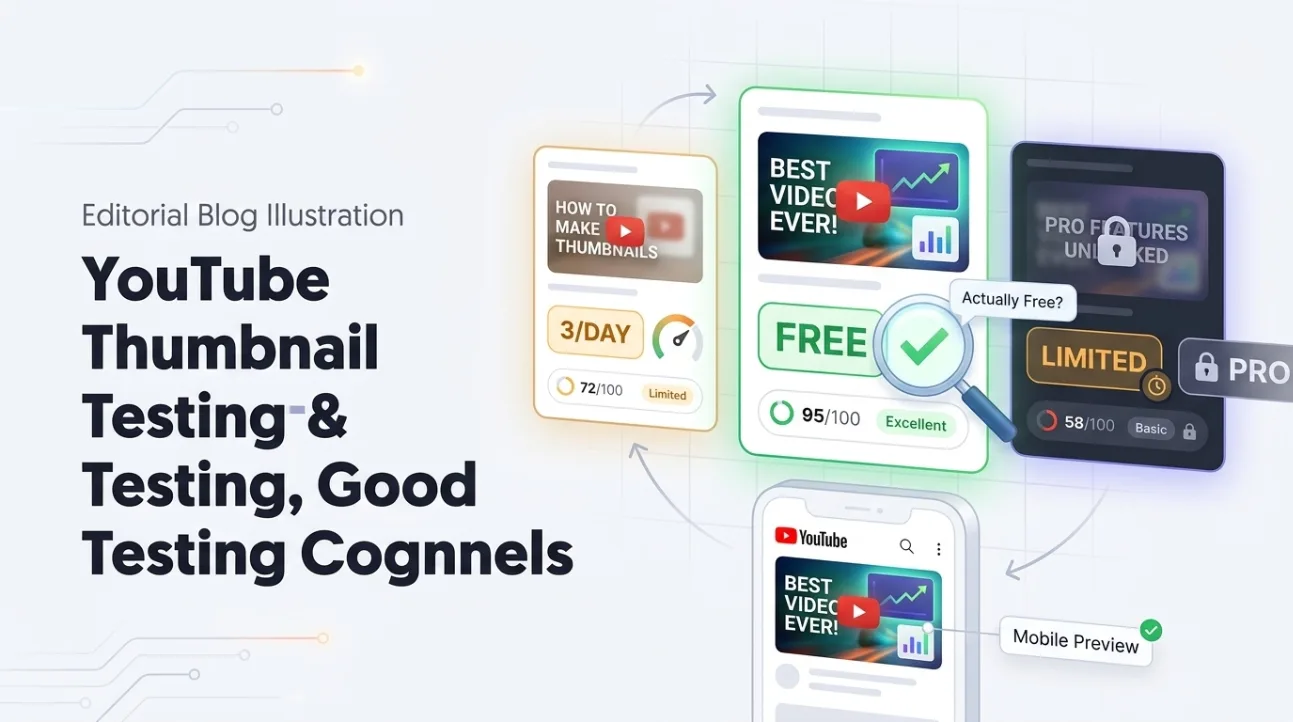
- Not all “free thumbnail testers” offer the same features — some analyze, some preview, some test, and others generate thumbnails using AI.
- Most tools offer limited free tiers that exclude advanced features like A/B testing or bulk analysis, which typically require a paid plan.
- ThumbSignal provides free AI-powered scoring of the thumbnail and title together, with no paid plan; it does not run live A/B tests.
- Always verify what “free” means for each tool — some restrict usage by number of tests, resolution, or access to historical data.
- Free tools are great for beginners, but serious creators often need paid features to optimize performance across multiple videos.
What Does a Free YouTube Thumbnail Tester Actually Do?
A free YouTube thumbnail tester typically analyzes your thumbnail’s visual elements — contrast, color, text legibility, and emotional appeal — and scores it against best practices. Some also preview how it looks across devices or generate AI alternatives, but not all offer every feature for free. The term “tester” is often misused to describe four distinct functions: AI scoring, contextual preview, live A/B testing, and AI generation — each with different free-tier limitations.
Free YouTube Thumbnail Analyzer: How AI Scoring Works
AI thumbnail analyzers evaluate your image with a machine learning model, and what that model has learned from varies from tool to tool. They assess factors like color saturation, text-to-background contrast, facial focus, and emotional resonance. Most free tiers let you upload one thumbnail at a time and receive a score with basic feedback. Advanced diagnostics — such as heatmaps or competitor comparisons — usually require payment. ThumbSignal’s scoring is free in full, with its twelve sub-scores and recommendations; it has no paid tier, and it does not offer heatmaps, competitor comparisons or bulk uploads.
Free YouTube Thumbnail Checker: Previewing Across Devices
A thumbnail checker lets you preview how your image appears on mobile, desktop, and tablet screens — critical because a large share of viewing happens on phones, where thumbnails are smallest. Free versions typically show a static preview of your thumbnail scaled to different device sizes. Some design tools offer this kind of preview for free; check the vendor’s own pages, because features and plans change. However, dynamic previews — such as simulating how the thumbnail looks in search results or suggested videos — may require a paid plan. Always check if the tool includes YouTube’s actual UI mockups or just generic device frames.
Free YouTube Thumbnail Tester for A/B Testing: What’s Available?
Live A/B testing tools let you run two thumbnail variants against each other to see which performs better with real viewers. Third-party split-testing tools usually require a subscription, but YouTube Studio’s own Test & Compare runs this kind of test for free on eligible channels. ThumbSignal does not run live A/B tests at all, free or paid. Some tools offer simulated A/B testing using AI predictions, which can be free, but these are not based on real viewer behavior. If you need actual performance data, start with Test & Compare.
Free AI Thumbnail Generator: Can You Create Thumbnails Without Paying?
AI thumbnail generators create new thumbnails from scratch using prompts or templates. Many offer free tiers with limited templates, resolution, or export options. Design tools such as Canva and Visme have free plans; which AI features, templates and export sizes they include changes over time, so check their pricing pages. ThumbSignal does not generate thumbnails — it analyzes and scores them — so if you need creation, pair it with a free generator. Always check export limits: some free tools watermark images or restrict file formats.
Comparison Table: What Each Kind of Tool Does for Free
| Tool | AI Analysis | Preview Mode | A/B Testing | AI Generation | Free Tier Available? |
|---|---|---|---|---|---|
| ThumbSignal | ✅ Score, 12 sub-scores and recommendations | ❌ | ❌ (not offered) | ❌ | ✅ Yes |
| YouTube Studio Test & compare | ❌ | ❌ | ✅ Live, concurrent, up to 3 versions | ❌ | ✅ Free on eligible channels |
| Design tools (e.g. Canva, Visme) | Varies — check the vendor | Varies — check the vendor | ❌ Not a testing tool | Varies — check the vendor | Free plans exist; check their limits |
| Channel tools (e.g. TubeBuddy) | Varies — check the vendor | Varies — check the vendor | Check the vendor | Varies — check the vendor | Free plans exist; check their limits |
How to Choose the Right Free Thumbnail Tool for Your Needs
Start by identifying what you need most: analysis, preview, testing, or generation. If you’re optimizing existing thumbnails, a free AI analyzer like ThumbSignal fits. If you’re creating from scratch, pair a design tool with a free analyzer. Avoid tools that promise “free A/B testing” — most simulate results rather than test with real viewers. Always check the fine print: free tiers can limit the number of uploads or the features you get. For serious creators, a paid plan may be worth it for bulk analysis, historical data, or live testing.
Step-by-Step: Using a Free Thumbnail Analyzer
- Upload your thumbnail image to the tool’s interface — check which image formats it accepts.
- Wait for the AI to process and score your thumbnail on the factors it reads.
- Review the feedback — look for specific suggestions like “increase text size” or “add more contrast.”
- Make adjustments in your design tool and re-upload to see if the score improves.
- Repeat until the low scores you care about have improved — which factors hold the thumbnail back matters more than the overall number.
- Check how your thumbnail looks at phone and desktop sizes before publishing, in the YouTube app or with a preview tool.
Why Free Tools Have Limitations — And When to Upgrade
Free tools are designed to attract users and demonstrate value — not to replace professional-grade features. They often limit usage by number of tests, resolution, or access to advanced diagnostics. For example, free AI scoring may not include competitor benchmarking or historical performance tracking. Live A/B testing needs real viewer data, which is why third-party tools charge for it; YouTube’s own Test & compare is the free exception. If you’re managing multiple channels or need consistent optimization, upgrading to a paid plan unlocks bulk uploads, team collaboration, and detailed analytics. But for casual creators, free tools can still deliver meaningful improvements.
ThumbSignal: What’s Free and What’s Not
ThumbSignal is free, and there is no paid plan to upgrade to. An analysis returns a 0-100 score, the twelve sub-scores behind it (thumbnail readability, title strength, curiosity, title–thumbnail coherence, emotion, promise clarity, clickbait risk, cliffhanger, withheld answer, FOMO, urgency and rarity), recommendations ordered by how much each could raise the score, up to five alternative titles and up to five thumbnail text ideas. Signed out you can run a few analyses a day; a free account raises the limit. It does not preview your thumbnail on devices, run live A/B tests, track performance over time or analyze in bulk. For now, you can analyze your thumbnail and title for free to see which factors hold it back.
Correction, 17 October 2026. An earlier version described the free features of Canva, Visme and TubeBuddy, which we had not verified and which change over time. The comparison now covers what we can state, and points to each vendor’s own pages for the rest.
Sources
- YouTube Help. A/B test titles and thumbnails (Test & compare). support.google.com/youtube/answer/13861714
Frequently Asked Questions
Is there a truly free YouTube thumbnail tester that includes A/B testing?
Yes, if your channel is eligible: YouTube Studio’s Test & Compare runs live tests for free. Third-party live testing is almost always paid. Some tools offer simulated A/B testing using AI predictions, but these aren’t based on actual performance.
Can I use free thumbnail tools for multiple videos?
Yes, but most free tiers limit the number of uploads per month or restrict access to advanced features. Check the tool’s limits before relying on it for bulk optimization.
Do free thumbnail analyzers work for all video types?
Most AI analyzers are trained on general best practices, so they work for most video types — but niche content like gaming or tutorials may need manual adjustments for optimal results.
What’s the difference between a thumbnail checker and a thumbnail analyzer?
A checker previews how your thumbnail looks on different devices, while an analyzer scores it on what it reads in the image and, for some tools, the title. Some tools do both.
Should I pay for a thumbnail tool if I’m just starting out?
Not necessarily — free tools can help you learn the basics. Upgrade only when you need features like A/B testing, bulk analysis, or historical data to scale your channel.